Prototype: 1 Week Test
Scope, build, test, decide. Ends with a kill/iterate/scale card that forces the decision against numbers written beforehand.
For TrelloForge
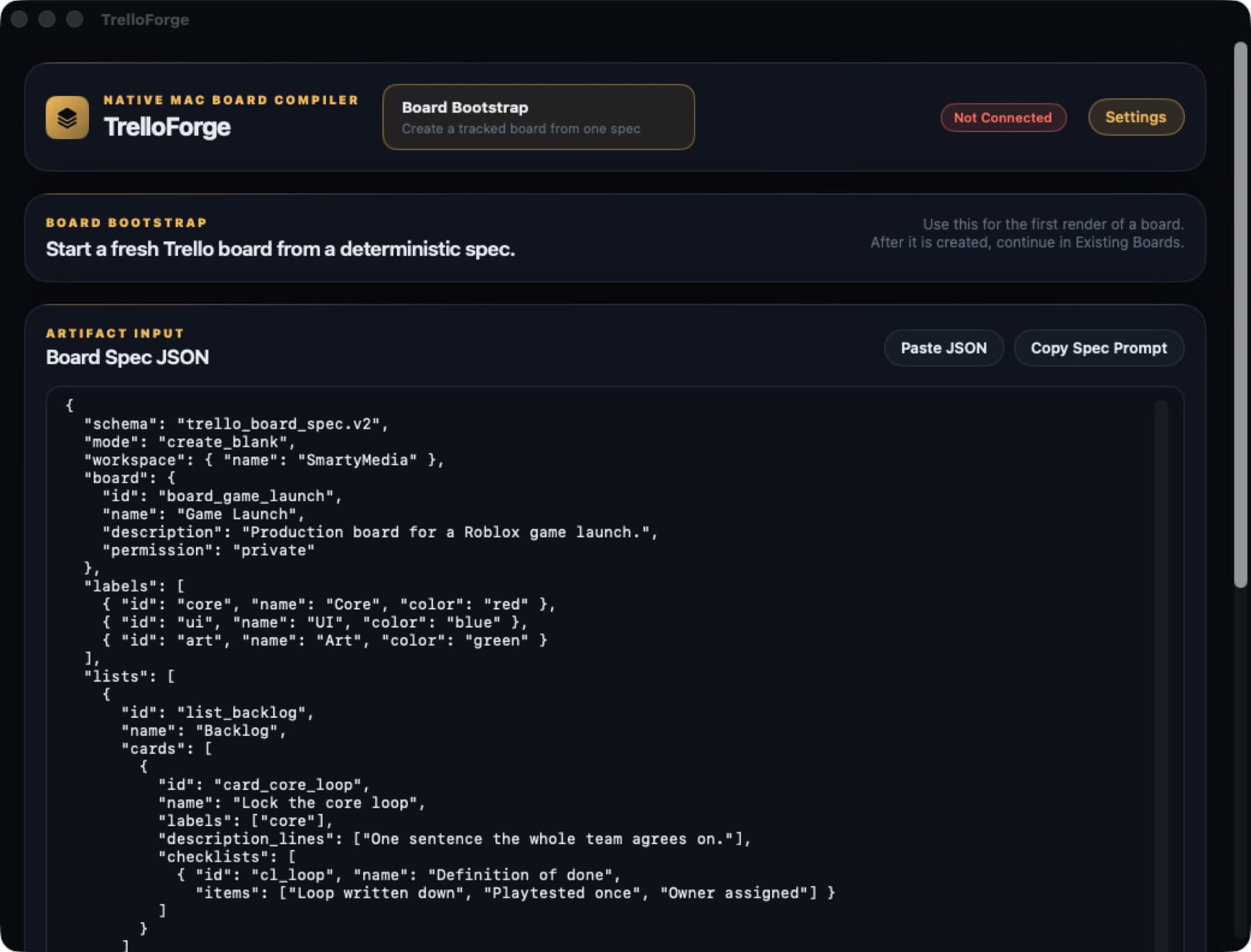
Every Roblox project repeats the same handful of shapes: a prototype week, a launch, an update, an asset queue, a bug list, onboarding someone new. These are those six, written as TrelloForge specs with real cards, checklists and acceptance criteria already filled in.
What is in it
Scope, build, test, decide. Ends with a kill/iterate/scale card that forces the decision against numbers written beforehand.
Performance on a low-end device, data saving that survives a crash, store page, soft launch, and the first 24 hours.
A bounded change to a live game, with a regression pass that checks the old loop still works.
Brief with references, production, review against the brief, in-game verification.
Reproduce first, triage honestly, fix and record the cause, verify in a real session.
Access, orientation, and one small bounded first task that proves the review loop works.
Yes. These are specs in the TrelloForge format, and the app turns each one into a real Trello board. Without it you would be building the boards by hand, which is the thing the pack exists to avoid.
They are plain JSON. Edit a card, add a list, delete anything you do not use, then build. That is the point of a spec over a template.
They are shaped around Roblox work: sponsor tests, Studio performance, place duplication before an update. Most transfer to any game project.
Trello is a trademark of Atlassian. TrelloForge is an independent tool by SmartyMedia LLC and is not affiliated with, endorsed by, or sponsored by Atlassian.