Start in Studio (Module 2)
An introduction to Roblox Studio and basic building, plus how to actually read the Roblox DevForum and documentation so you can answer your own questions later.
The full course
Most people learn from scattered tutorials and end up with gaps they can't name. This is one path instead: variables and loops, then services and saving data, then the patterns real studios use: Knit, ProfileService, OOP. 203 lessons, 158 of them on video, and you keep it for good.
The scripting path
An introduction to Roblox Studio and basic building, plus how to actually read the Roblox DevForum and documentation so you can answer your own questions later.
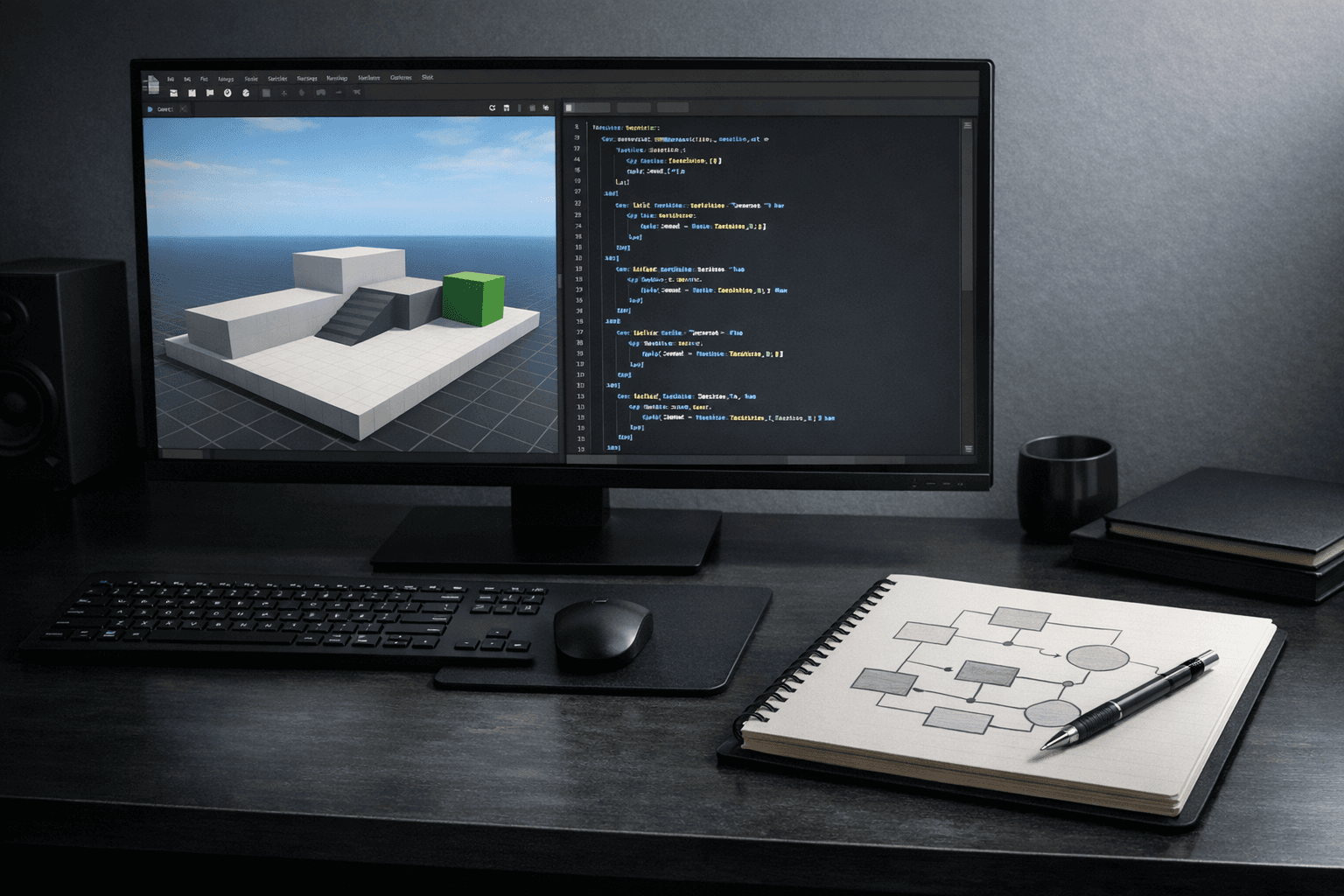
Luau from zero: printing and warning, data types and variables, wait and task.wait, math, strings, if and elseif, tables, while loops, for loops with GetChildren, scope, functions, events, properties and attributes, game services, and how server and client talk to each other.
CFrame, LocalScripts versus ServerScripts, leaderstats, pcall, DataStores, BindableEvents, RemoteEvents, coroutines, UserInputService, audio, UI and UX design, TweenService for UI and for parts, RunService, raycasting, and camera manipulation.
Along the way you script your first obby, a coin pickup that saves with DataStores, a working pistol using raycasting, and a two-part NPC dialogue system. These are the hands-on builds in the course, and they are what the intermediate module is structured around.
Advanced object-oriented programming, the Knit framework, DataStore2, ProfileService, and Roact. Plus a lesson on setting up an agentic coding workflow with VS Code and Script Sync, so you're editing scripts on disk instead of inside Studio.
The other half
Project management with Trello, keeping your projects organized, and commenting and documenting your code so a script still makes sense to you in three months.
How to create developer products, how to create gamepasses, and how DevEx works. This is the setup and the mechanics, taught step by step. It is not an income claim.
Five lessons on planning a Roblox development career: the strategy fundamentals, the available career paths, working solo versus on a team, and game design.
A five-lesson module on running a game project end to end, including Trello basics for project management and a behind-the-scenes case study of a real project board.
Breakdowns of how three games did what they did: Pet Simulator X, Bloxburg's monetization, and Arsenal's approach to social play.
The largest module in the course. Short audio lessons on focus, motivation, beliefs, communication, networking, marketing your game, and starting a dev channel. Listen while you build.
Delivery
After checkout you get access to the course in your account on this site. Nothing to download or install.
158 lesson videos, hosted privately and played straight from the lesson page. No third-party course platform to sign into.
Lessons you finish stay marked as complete, so you can leave for a week and come back to the right place.
The final module is your Scripting Secrets completion certificate.
Get the course
203 lessons across 22 modules, yours for good, with a 14-day refund if it is not what you wanted.
Secure payment through Stripe. 14-day refund, no reason needed.
No. Module 2 opens with an introduction to Roblox Studio and basic building, and Module 3 starts at printing, variables, and data types. If you have never written a line of Luau, you are the intended student.
No, and it would be unfair to say otherwise. This is a scripting course. You build four things along the way: an obby, a coin pickup that saves with DataStores, a pistol using raycasting, and an NPC dialogue system. If you are looking for a course that ships one complete game from empty baseplate to public release, this is not that course.
The three core scripting modules are complete: 53 lessons, all on video. Of the 203 lessons total, 158 have video. Thirty-one are written lessons in the five Advanced modules, each with worked code, a quiz and an exercise you type into the browser. Two are section pages with nothing in them yet -- Game Projects and Modeling -- and they say so on the page. Module 5 and the Building & Modeling module are both flagged for new lessons. Buy this for the scripting path, which is done, not for those modules, which are not.
Nothing here guarantees that, and be skeptical of anyone who says otherwise. What the course does teach is the monetization mechanics: how to create developer products, how to create gamepasses, and how DevEx works. It also includes case studies on games that succeeded. What you do with that is up to you.
No. The course is video lessons. There are no downloadable script packs, PDFs, or worksheets, and we would rather tell you that here than have you go looking for them after you buy.
The scripting fundamentals in Modules 3 and 4 are stable Luau and Roblox APIs. The advanced module covers Knit, DataStore2, ProfileService, and Roact, which are community frameworks that continue to move. There are also lessons on using AI to assist development and on setting up an agentic workflow with VS Code and Script Sync.
Checkout runs through Stripe. When it completes you land on a welcome page with a link straight into the course, and the lessons are available in your account from that point.